Welcome to FTCSoftware’s learning course!
The purpose of this course is to help students learn how to program an FTC robot no matter their skill level.
The progression of the course moves from learning how to write Java to programming robots of increasing complexity.
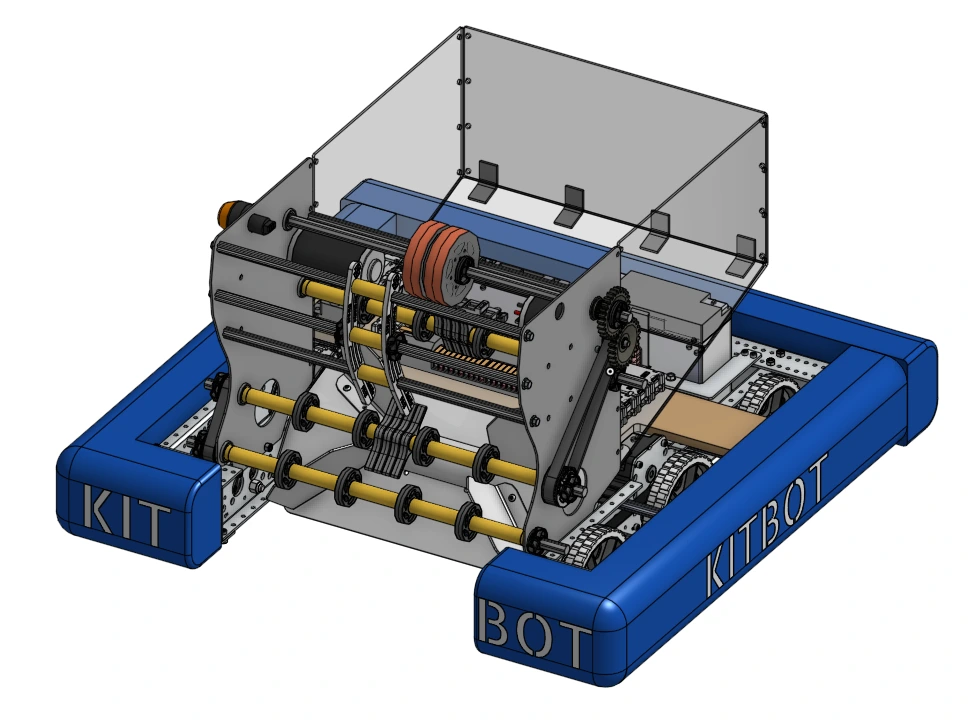
We start individual mechanisms of robots, using the FTC Kitbot, then move to more complex robots.
Software in FTC is always changing!
If you want to give feedback or have comments, feel free to do so through our GitHub
or Discord.
Course Setup goes over downloading the tools needed to complete the
learning course, as well as how to navigate and use them. This is a
great place to start if you’re new to FTC Programming.
Required Tools:
Download the tools needed for this learning course.
VS Code
Overview: Learn
more about VS Code, the code editor used for this course.
Forking and
Cloning:
Learn how to use git to fork and clone. This is important for
accessing templates that are used throughout the course.
Stage 0 covers the basics of Java that is needed to program the Kitbot,
a simple FTC robot. This include:
Stage 1 is where students start to program Kitbot, a basic robot
commonly used to learn basic FTC skills.
-
Stage 1A: Learn basic FTC programming skills by using the Robot
class to program Kitbot.
-
Stage 1B: Learn Command-Based programming, a file structure for
programming FTC robots, by adding it to code written in 1A.